Record the app order
Enter the order in KinMol with the app’s own order number, so you can match it to the app later.
Keep your app orders in the same place as the rest of your restaurant. You record each one with the app’s order number. It goes to the kitchen, and it is settled when the app pays you.

You type each app order into KinMol. The rest follows from there.
Enter the order in KinMol with the app’s own order number, so you can match it to the app later.
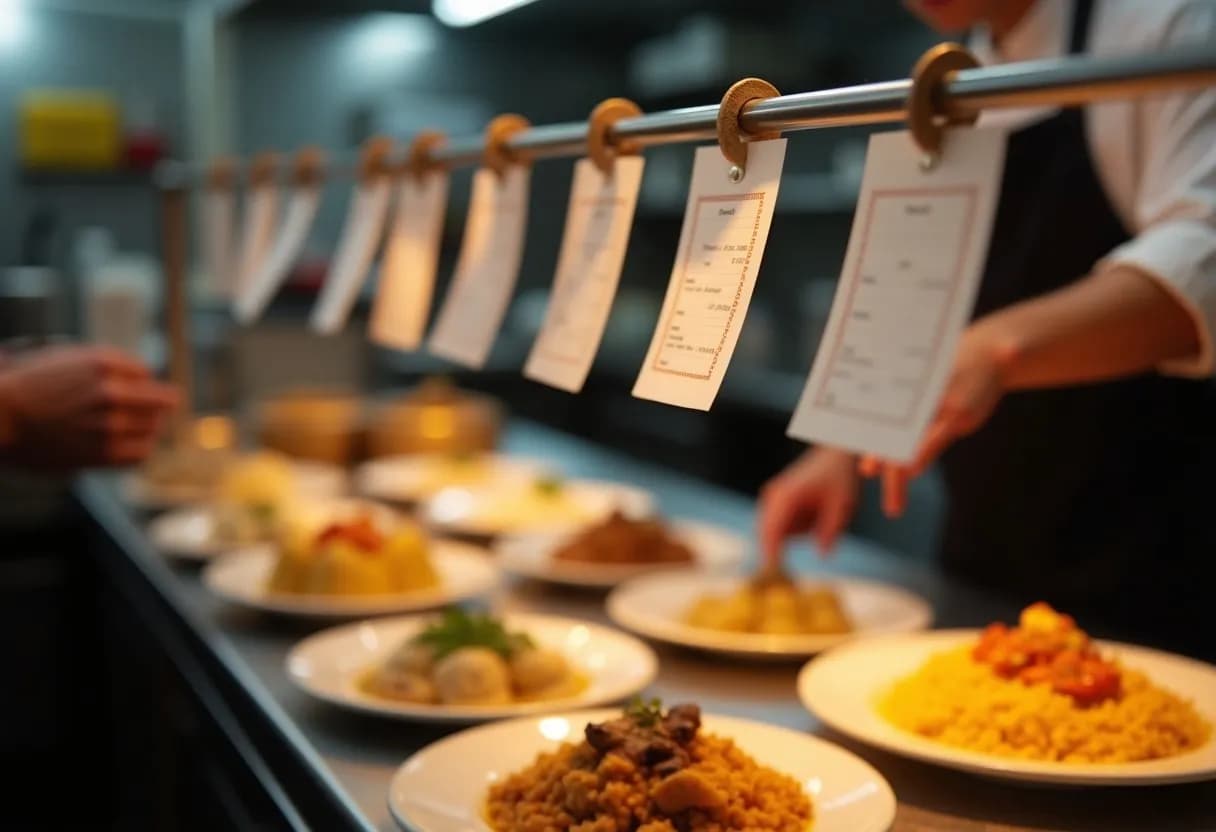
The order reaches the kitchen like any other order, and you can print a kitchen order ticket.
Every app is a customer of your business. Its orders add up in one place instead of being mixed with cash sales.
When the app pays out, settle its orders on the dues screen and see what is still owed.
The commission is recorded as information. How it is booked is decided by your accountant.
Copy the order from the app's tablet, email or SMS and paste it. KinMol reads the items and matches them to your menu, and you check them before it goes to the kitchen.
App orders wait at the counter. Accept one and it goes to the kitchen tablet or printer for that section, or switch on automatic accept.
KinMol's order feed is ready and tested. When an app agrees to send orders to it, they arrive on their own. None of the apps has connected yet.
As far as we know, none of these apps offers an open order feed to businesses like yours today. Automatic import needs each app to give us access, and that is their decision, not ours. Until an app opens its feed, you record its orders yourself. When one does, we will say so here and on the status page.
Sending parcels instead of meals? See delivery integrations for parcel couriers.